


Bluetooth on a Projector: What It Does (and Doesn’t)
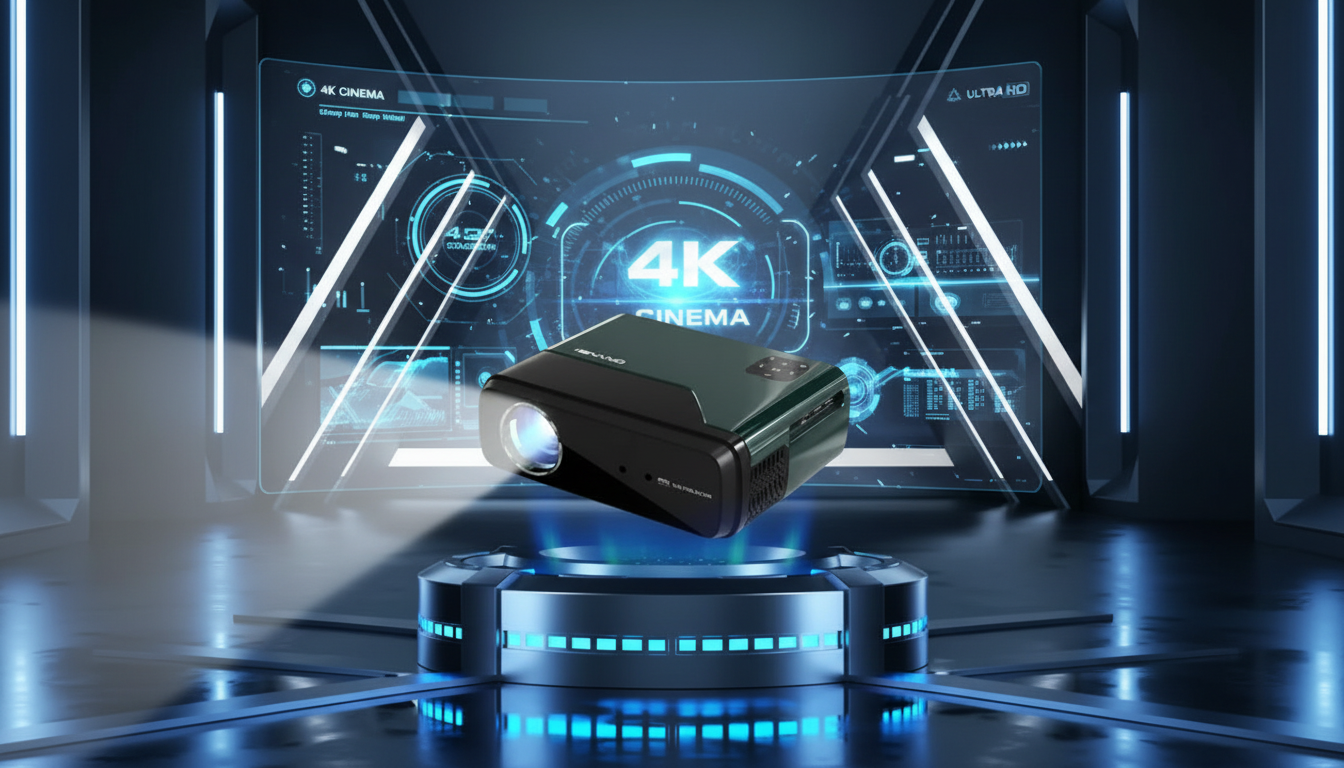
What does Bluetooth on a projector do?
Bluetooth on a projector lets the projector connect wirelessly to other devices over short range. Most commonly, it’s used to send audio from the projector to Bluetooth speakers, soundbars, or headphones so you can get louder volume or better sound than the built-in speaker provides. Some projectors also use Bluetooth to receive audio from a phone or tablet and play it through the projector’s speaker (less common, but useful as a simple Bluetooth speaker mode).
How Bluetooth features typically work on a projector
Wireless audio output (projector to speaker/headphones)
With Bluetooth audio output, the projector pairs to a Bluetooth speaker, soundbar, or headphones. This helps when the projector is far from your seating area, when you’re projecting outdoors, or when you want clearer dialogue and stronger bass without running long cables.
Wireless audio input (phone to projector)
Some models allow Bluetooth audio input, meaning your phone connects to the projector and streams music to the projector’s internal speaker. This won’t improve sound quality, but it can be handy for casual listening.
Bluetooth for control accessories
Bluetooth can also be used for certain remotes, game controllers, keyboards, or mice on smart projectors with built-in streaming apps. This depends on the operating system and what accessories the projector supports.
What Bluetooth on a projector does not do
Bluetooth usually does not mirror your phone’s screen or send video. Video wireless casting is typically handled by Wi-Fi-based methods like AirPlay, Chromecast, Miracast, or a streaming dongle. If the goal is screen sharing, check whether the projector supports Wi-Fi casting—not just Bluetooth.
Quick buying and setup tips
Look for whether the projector supports “Bluetooth out” if you want to connect speakers or headphones. Also note that Bluetooth can introduce slight audio delay; many speakers handle this well, but for gaming you may prefer a wired connection or a low-latency Bluetooth option when available. For a deeper breakdown of Bluetooth modes and what to look for, visit the main guide on Bluetooth on projectors.
FAQ
Can I connect AirPods to a projector with Bluetooth?
Often yes if the projector supports Bluetooth audio output and headphone pairing, but some projectors only connect to speakers or have limited Bluetooth profiles. If pairing fails or audio lags, a Bluetooth transmitter connected to the projector’s audio out can be a reliable workaround.













Leave a comment