


Android Projectors: Worth It for Streaming and Setup?
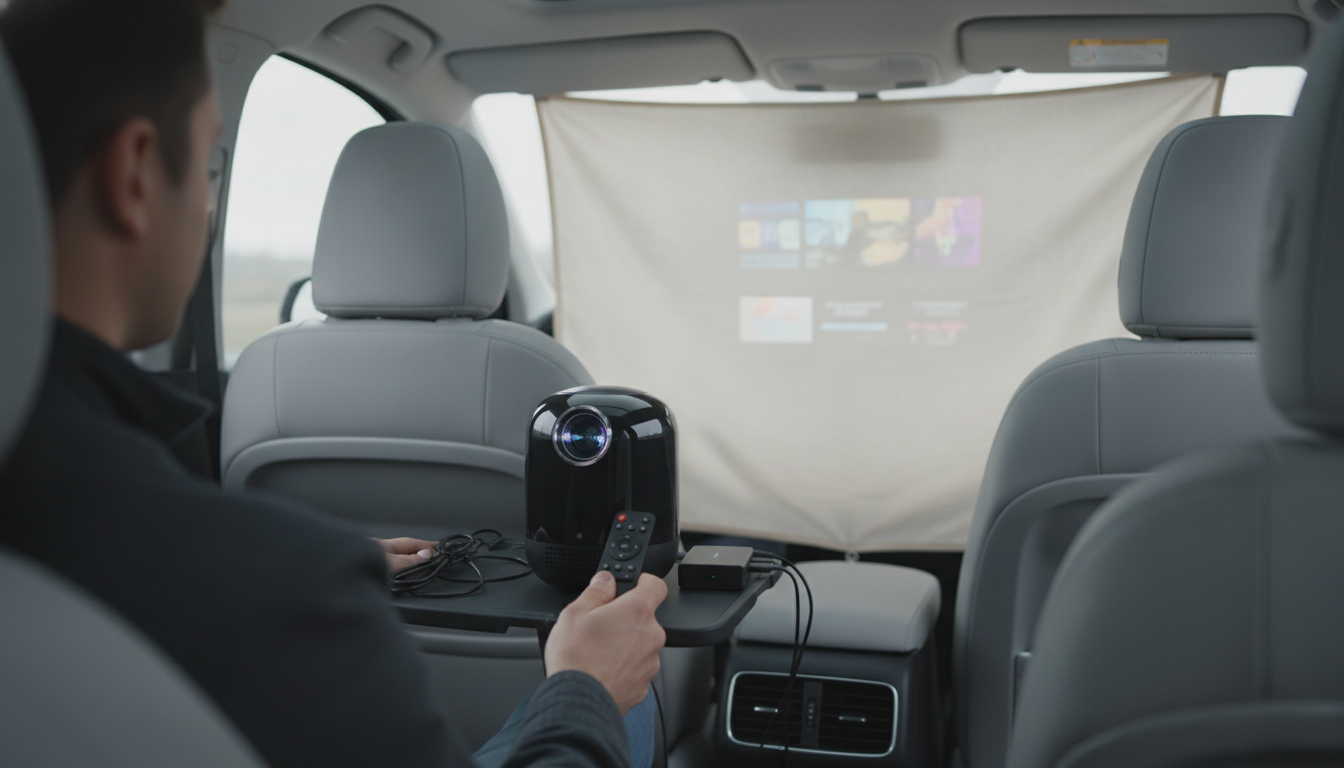
Is an Android projector good?
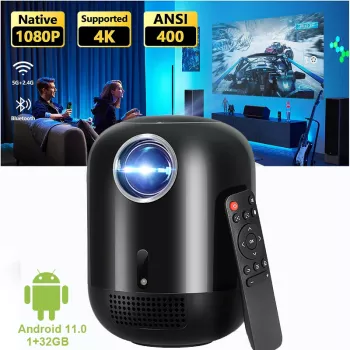
An Android projector can be a great choice if the convenience of built-in apps matters more than having the absolute fastest, most upgradable setup. Because Android projectors include a smart TV-style interface, they can stream movies, run media apps, and connect to Bluetooth speakers or headphones without needing a separate streaming stick or laptop.
Where Android projectors shine
For casual home movie nights, dorm rooms, bedrooms, or travel, an Android projector can feel “all-in-one.” You can often install popular streaming apps, cast from a phone, and use a single remote to control playback. Many models also support wireless screen mirroring, which is handy for sharing photos, slides, or quick videos.
Common drawbacks to watch for
The biggest downside is that the “smart” part can be the weakest link. Some projectors ship with older Android versions, limited storage, or slower processors, which can make navigation laggy. App support can also vary: certain streaming apps may not run perfectly, may require updates the projector never gets, or may be restricted depending on the device certification.
Picture quality is a separate issue from Android. A projector can have Android and still be dim, low-contrast, or inaccurate in its brightness ratings. If image performance is the priority, compare real brightness (ANSI lumens when available), native resolution, and throw distance—not just the operating system.
How to decide quickly
Choose an Android projector when you want fewer devices and simple streaming in a darker room. Consider a standard projector plus a dedicated streamer when you want more reliable app updates, smoother performance, or the flexibility to swap streaming hardware later.
For a deeper breakdown of real-world pros, limitations, and what to look for before buying, read the full guide here: https://agathin.com/is-an-android-projector-good/.
FAQ
Do Android projectors need Wi‑Fi to work?
No—most can play content from HDMI devices, USB drives, or local files without Wi‑Fi. Wi‑Fi is mainly needed for streaming apps, updates, and some casting features.













Leave a comment