


Desk Too Small? 5 Fast Fixes to Create More Space
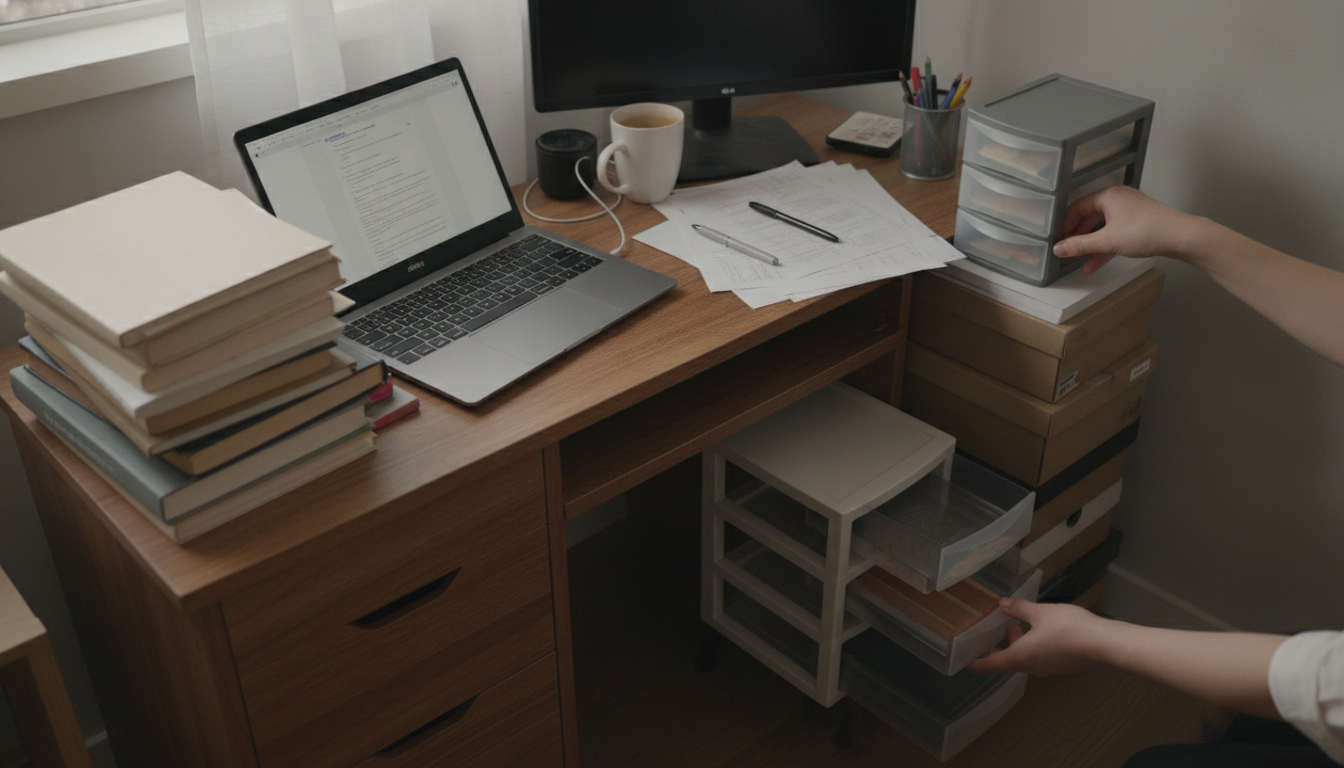
What to do if my desk is too small?
A desk that feels cramped can slow everything down—keyboard at an odd angle, papers stacked in the way, and nowhere to set a drink without anxiety. The good news is you can usually fix the problem without overhauling your whole setup. Start by deciding whether you need more surface area, better organization, or simply a different layout.
1) Reclaim the surface you already have
Clear the “permanent clutter” first: extra notebooks, unopened mail, duplicate chargers, and decor that steals elbow room. Then move small essentials vertical—use a monitor riser or shelf to free space underneath, and place pens, sticky notes, and cables in a slim organizer that sits at the back edge instead of the middle of the desk.
2) Move devices off the desktop
If your monitor sits on its stock stand, a monitor arm can instantly open usable space and improve posture. Mounting a power strip under the desk and using adhesive cable clips prevents cords from spreading across the work area. For laptops, a vertical stand (when using an external keyboard/mouse) can return several inches of workspace.
3) Add “sidecar” space without buying a new desk
A rolling file cabinet, small side table, or printer stand can act like an extension wing. Put items you touch occasionally—printer, scanner, paper reams—on that side surface so the primary desk stays focused on daily tasks.
4) Optimize layout for the way you work
Keep the center zone for your keyboard and mouse, and place reference items to the non-dominant side so your dominant hand stays free. If you write by hand often, consider a compact keyboard to create a wider writing pad area.
5) Upgrade to a larger desk when the work demands it
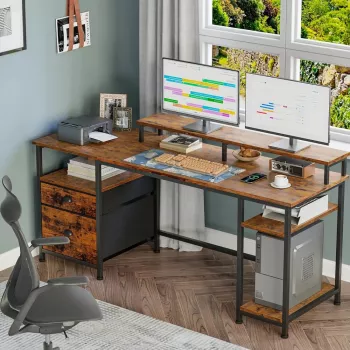
If you routinely need multiple monitors, a full-size keyboard, and room for notebooks or a desktop tower, a larger workstation is the cleanest solution. For sizing guidance and a look at a roomy option, see this complete guide to a 61-inch spacious industrial-style computer desk: https://agathin.com/guide-61-inch-spacious-industrial-style-computer-desk/.
FAQ
How can I make more workspace without buying a new desk?
Mount your monitor, move the power strip and cables underneath, and add a small rolling cabinet or side table for devices and supplies. Shifting even a few items off the main surface can make the desk feel significantly larger.













Leave a comment