


Smart Projector Capabilities: Streaming, Casting, Audio
What can a smart projector do?
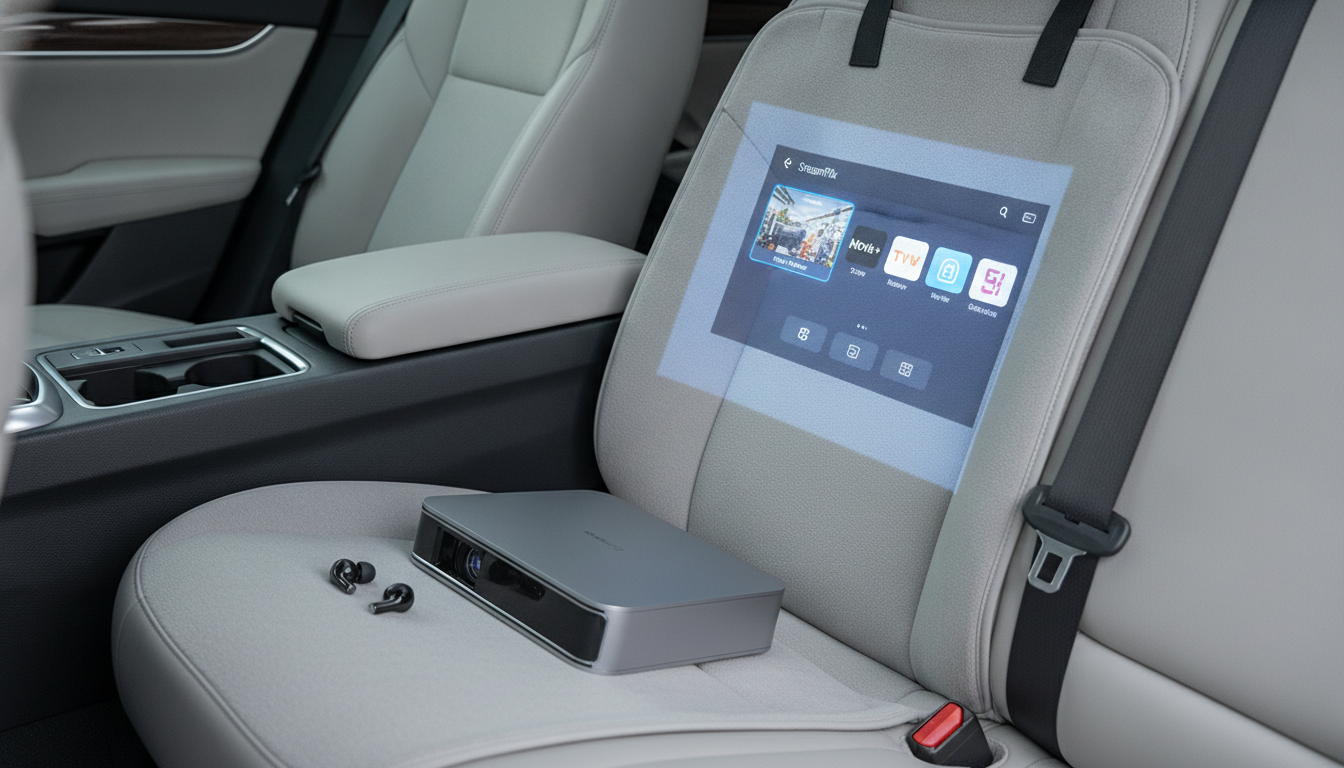
A smart projector can act like a compact home entertainment hub—projecting a large-screen image while also handling streaming, wireless connections, and everyday convenience features that traditional projectors often need extra devices for. Instead of relying solely on a laptop or cable box, many smart models include built-in apps or a smart interface so movies, shows, and videos are easier to start and control.
At the core, it still projects your content onto a wall or screen, but the “smart” part expands how you get that content there. With built-in Wi-Fi, a smart projector can connect to your home network for streaming or updates. With Bluetooth, it can pair with wireless speakers or headphones—helpful when you want better sound than the built-in speaker or you’re watching late at night.
Wireless streaming and screen sharing
Smart projectors can stream from popular services (depending on the platform) and often support casting or mirroring from phones, tablets, and computers. That makes it easy to share photos, play videos, or present slides without running a long HDMI cable across the room.
Flexible connectivity for different devices
Even with smart features, physical ports still matter. Many smart projectors support HDMI for game consoles and streaming sticks, USB for certain media files, and audio outputs for wired speakers. This flexibility lets the projector fit into a living room, dorm, backyard movie setup, or travel kit.
Audio upgrades without extra hassle
Bluetooth audio is one of the most practical “smart” upgrades: pair a soundbar or portable speaker in seconds. Some models also let you use the projector as a Bluetooth speaker when you’re not projecting, depending on the design.
Everyday convenience features
Smart projectors often include tools that make setup quicker, such as digital keystone correction, focus adjustments, and menu systems designed for couch-friendly navigation. For a deeper look at what to expect from a compact smart model—especially around brightness, 1080p resolution, Wi-Fi, and Bluetooth—see the full guide here: https://agathin.com/guide-1100-ansi-mini-1080p-smart-projector-wifi-bluetooth/.
FAQ
Do smart projectors need Wi-Fi to work?
No. Wi-Fi is mainly for streaming, updates, and wireless casting; you can still use HDMI or other wired inputs without an internet connection.













Leave a comment