


Free Interior Design Mood Board: Simple 5-Step Guide
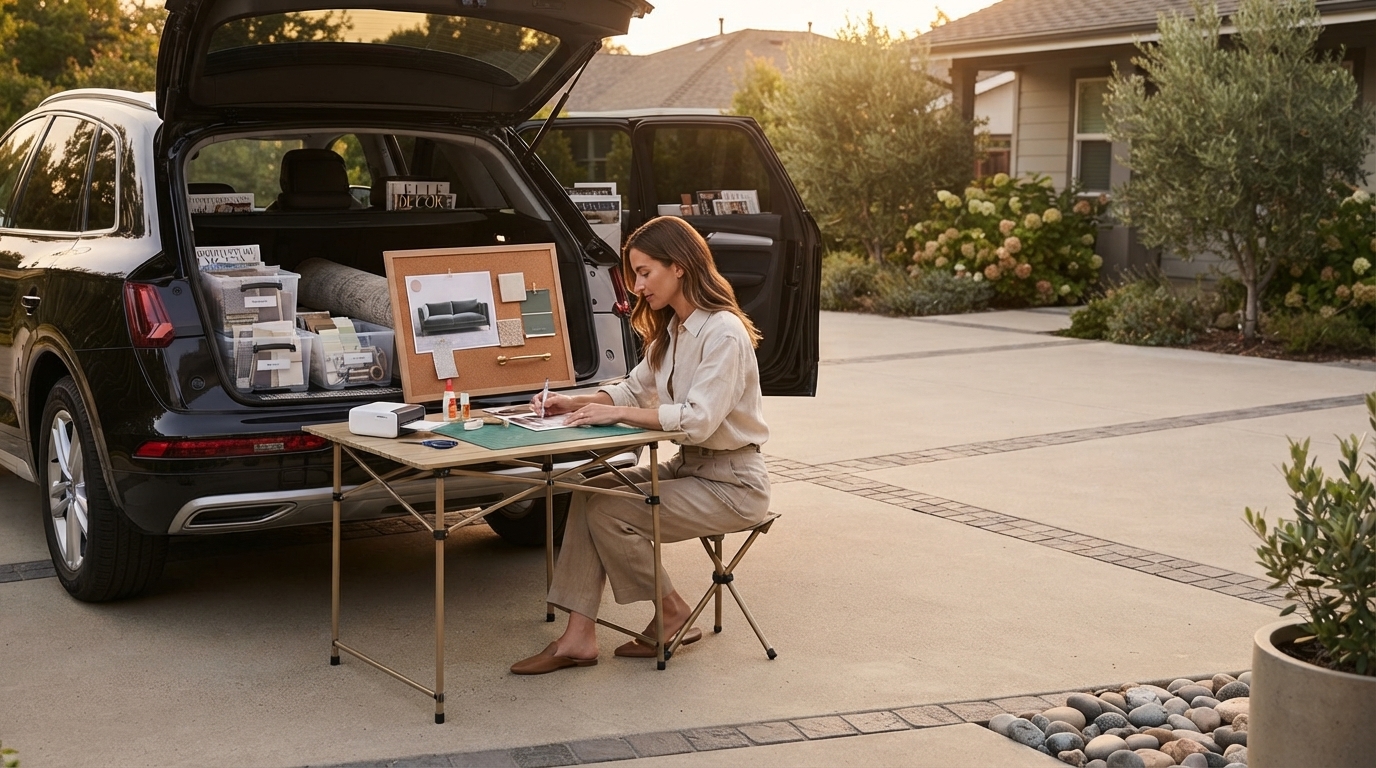
How to create a free mood board for interior design?
A free interior design mood board is a simple way to pull your ideas into one place before you buy anything. It helps you see whether colors, finishes, furniture shapes, and décor styles actually work together. You can make one in an afternoon using free tools and images you already have access to.
Step 1: Decide what the room needs to do
Start with function first: relaxing, working, hosting, storage, kid-friendly, pet-friendly, or all of the above. Jot down 3–5 must-haves (like “reading chair,” “blackout curtains,” or “wipeable rug”) so your mood board reflects real life, not just pretty pictures.
Step 2: Collect inspiration images for free
Save images that match the feeling you want—warm and cozy, airy and bright, modern and minimal, vintage and layered. Pull from free sources like your own photos, screenshots, and brand galleries. Aim for 10–20 images to start, then narrow later.
Step 3: Choose a free mood board tool
Use a free drag-and-drop option such as Canva (free plan), Google Slides, or even a blank PowerPoint template. Create a canvas, then drop in images, crop them, and arrange them like a collage. Keep some breathing room so each element is easy to evaluate.
Step 4: Build a palette and material direction
Pick 3–5 core colors from your images (a neutral base plus 1–2 accents). Add texture cues too: wood tone, metal finish, stone, linen, boucle, or leather. If you can, include a photo of your room’s fixed elements (flooring, cabinets, countertops) to keep the board realistic.
Step 5: Add key pieces and edit ruthlessly
Include the “anchors” of the room: sofa, bed, rug, major lighting, and one statement piece. Then remove anything that doesn’t match the overall vibe. If the board feels scattered, limit yourself to two main finishes (for example, light oak + black metal) and repeat them.
For a more detailed walkthrough and examples, visit How to Create a Free Mood Board for Interior Design.
FAQ
What should I include in an interior design mood board besides photos?
Add a color palette, texture/material samples (wood, metal, fabric), and a few key product ideas like a rug style, lighting shape, and hardware finish so your concept translates into real purchases.








Leave a comment