


Make a Small Desk Bigger: Extensions, Risers & More
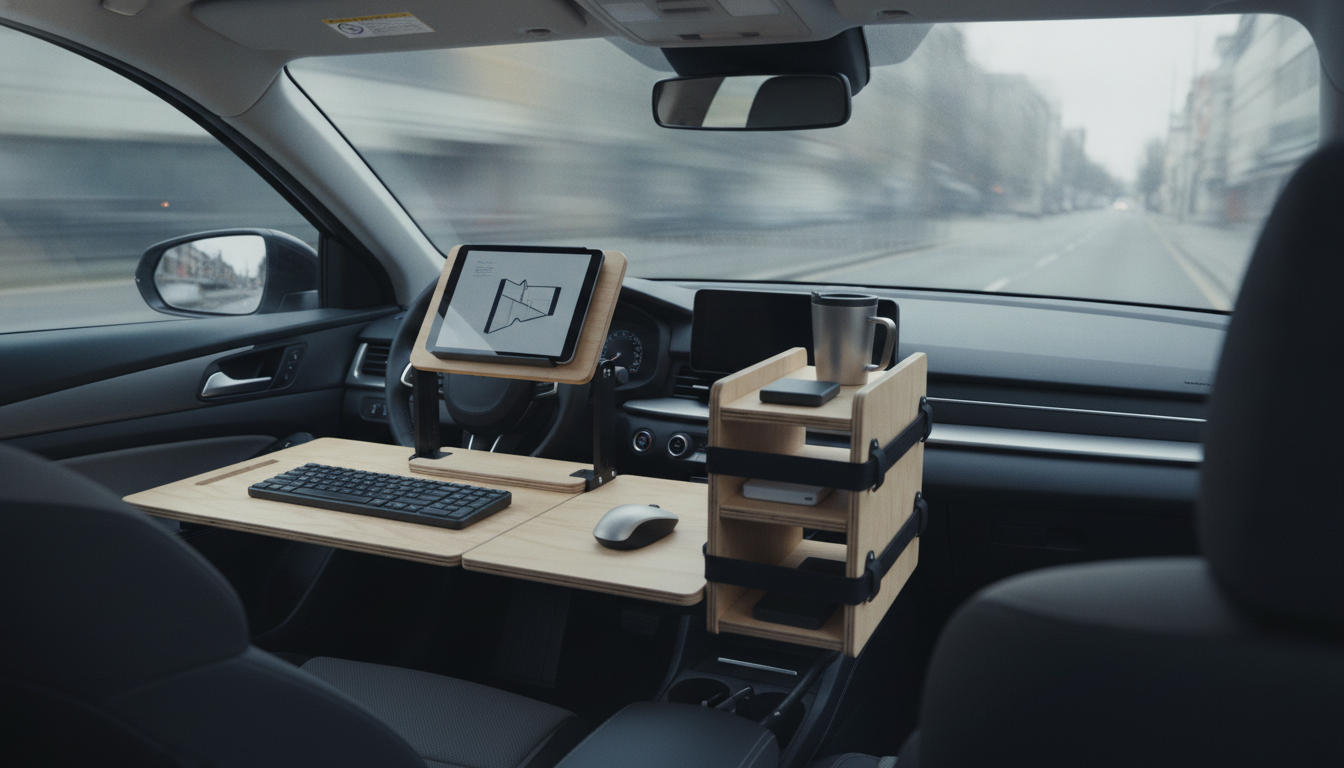
How to make a small desk bigger?
If your desk feels cramped, the fastest “upgrade” is usually adding usable surface area without replacing the whole piece. Start by deciding whether you need more width (side-to-side), more depth (front-to-back), or simply better organization so the existing top works harder. Then choose a method that matches how permanent you want the change to be.
Add a clamp-on or bolt-on desk extension
A clamp-on side shelf, keyboard tray, or monitor shelf can create extra landing space for a mouse, notebook, or accessories while keeping the main work zone clear. Look for adjustable clamps that won’t damage the desktop, and confirm weight limits if you’ll place a monitor or printer on it.
Use a desktop riser or monitor stand to “stack” the workspace
Going vertical makes a small desk feel bigger immediately. A monitor stand, laptop riser, or two-tier desk shelf frees up the area underneath for a keyboard, dock, or paperwork. If you use a laptop as a second screen, a riser also improves posture by bringing the display up to eye level.
Create more depth with a pull-out surface
If the problem is front-to-back space, add a slide-out tray under the top for a keyboard or writing pad. That pulls daily-use items off the desktop while still keeping them within easy reach. Choose a tray that matches your seated height so your wrists stay neutral.
Bridge space with a desk return or rolling cart
To gain a lot of room without mounting anything, place a small rolling cart or slim cabinet next to the desk and align the top heights as closely as possible. It becomes an instant “return” for a printer, files, or charging station—and it can move when you need the floor space back.
Make the existing top feel bigger with cable and tool control
Mount a power strip underneath, route cables with clips, and move supplies into a vertical file, pegboard, or drawer insert. Clearing just a few frequently scattered items can restore enough space to work comfortably.
For more step-by-step options and practical examples, see the full guide here: https://agathin.com/how-to-make-a-desk-bigger/.
FAQ
How can I add storage to a small desk without taking up desktop space?
Use under-desk drawers, a clamp-on pencil tray, or wall-mounted shelves above the desk. A slim rolling file cabinet also adds storage while keeping the work surface open.













Leave a comment