


Watch Movies on a Portable Projector: Easy Setup Guide
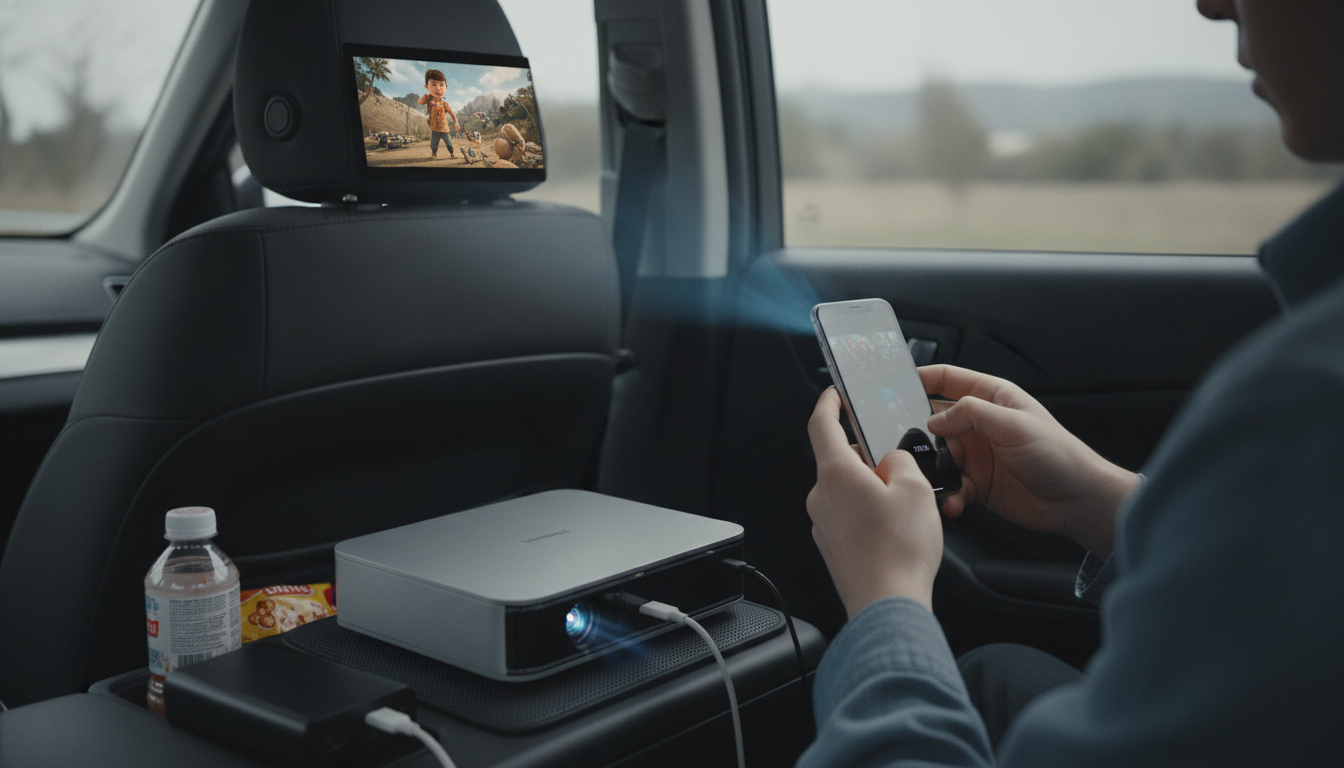
How to Watch Movies on a Portable Projector
A portable projector can turn a blank wall, a bedsheet, or a travel screen into an instant movie theater. The trick is pairing the right source device, sound option, and power setup so playback is smooth and bright enough for the space you’re in.
1) Pick your movie source (streaming, phone, or media player)
Start by deciding what will play the movie: a streaming stick (like Roku/Fire TV), a laptop, a phone/tablet, or a USB drive. Streaming sticks are often the easiest for apps, but they may need an HDMI port and USB power. Laptops are flexible for downloads, while phones may require a USB-C/Lightning-to-HDMI adapter or wireless casting if your projector supports it.
2) Connect the projector to your device
For the most reliable connection, use HDMI. Plug the device into the projector, select the correct input (HDMI 1/2), and confirm the source is outputting the right resolution. If you’re going wireless, enable screen mirroring/casting on both devices, then connect to the projector’s casting feature or companion app (if available). Wired connections usually have less lag and fewer dropouts.
3) Set up the screen and focus for a sharp picture
Place the projector on a stable surface, then align it with your screen or wall. Use focus and keystone correction to sharpen edges and square the image. For a brighter picture, reduce the projection size and dim room lights. Outdoor setups work best after sunset.
4) Choose better sound than the built-in speaker
Many portable projectors have small speakers. For a fuller sound, connect Bluetooth speakers (if supported) or use a 3.5mm audio cable. If you notice audio delay over Bluetooth, switch to a wired speaker or headphones for tighter sync.
5) Plan power and battery life
Check whether your projector runs on battery, AC power, or USB-C. For longer movie nights, bring a compatible power bank (high-wattage if required) or an extension cord. Also power any streaming stick separately if it draws more than the projector’s USB port can provide.
For step-by-step setup tips and compatibility notes, visit https://agathin.com/how-to-watch-movies-on-a-portable-projector/.
FAQ
Do I need a special screen for a portable projector?
No—many people use a smooth white wall or a tightly stretched sheet. A dedicated screen can improve contrast and uniformity, especially in rooms with some ambient light.













Leave a comment