


Make Your Desk Feel More Spacious: 5 Smart Fixes
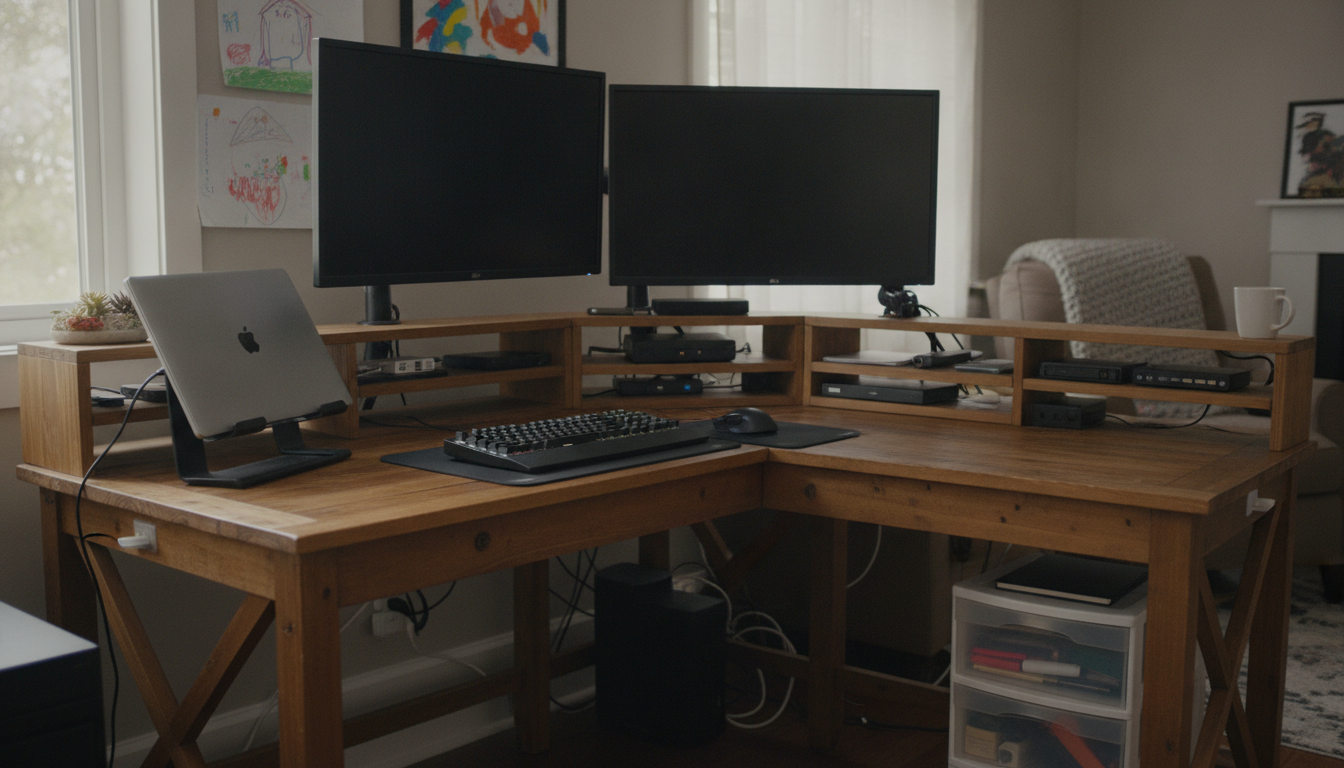
How to make a desk more spacious?
A desk feels spacious when the surface is reserved for the few items you actively use and everything else has a designated “home” off the main work zone. The goal isn’t a perfectly empty desk—it’s a layout that keeps your hands, eyes, and workflow clear.
1) Clear the desktop to the true essentials
Start by removing everything, then return only what you touch daily (for many people: laptop/monitor, keyboard/mouse, a notebook, and one pen). Store the “sometimes” items (stapler, extra cables, spare chargers, reference books) in a drawer, bin, or nearby shelf so they’re accessible without living on the surface.
2) Go vertical with storage and organization
Use the space above and beside the desk: a small shelf, wall-mounted organizer, pegboard, or monitor riser with compartments can hold stationery, adapters, and small tools. Vertical organization frees up the center of the desk, which is the most valuable area for comfortable working.
3) Manage cables so they stop stealing space
Loose cables sprawl, snag, and force you to push devices farther forward than necessary. Bundle cords, route them behind the desk, and secure a power strip underneath or to the back edge. A tidy cable path instantly makes the surface feel larger and easier to clean.
4) Create zones instead of piles
Divide the desk into simple zones: a primary work zone (center), a quick-access zone (one side for a mug or phone stand), and a landing zone (a tray for incoming papers). When every item has a zone, clutter stops forming in the middle.
5) Upgrade with compact, multi-use accessories
Swap bulky items for space-saving alternatives: a slim desk lamp, a vertical laptop stand (if using an external monitor), or a compact charging dock. Small changes add up—especially on narrow or shared desks.
For more practical ideas and visual examples, see the full guide: How to Make a Desk More Spacious.
FAQ
How do I keep my desk from getting cluttered again?
Use a simple “end-of-day reset”: put items back into their zones, toss trash, and move anything that doesn’t belong on the desk to a drawer or shelf. Keeping one small tray for loose items prevents random piles from spreading.










Leave a comment